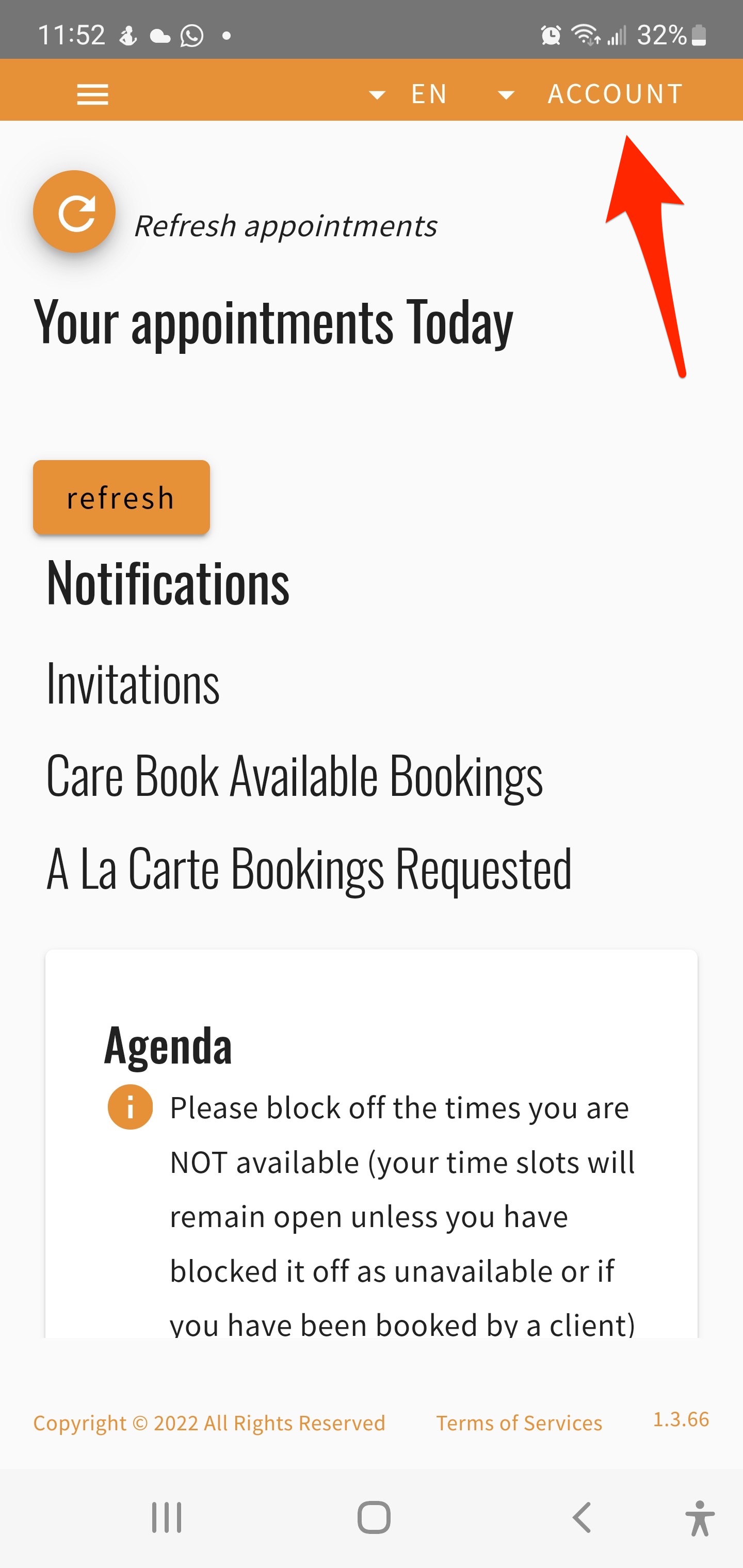
How To Delete Your Account
Look for Account in the top righthand corner
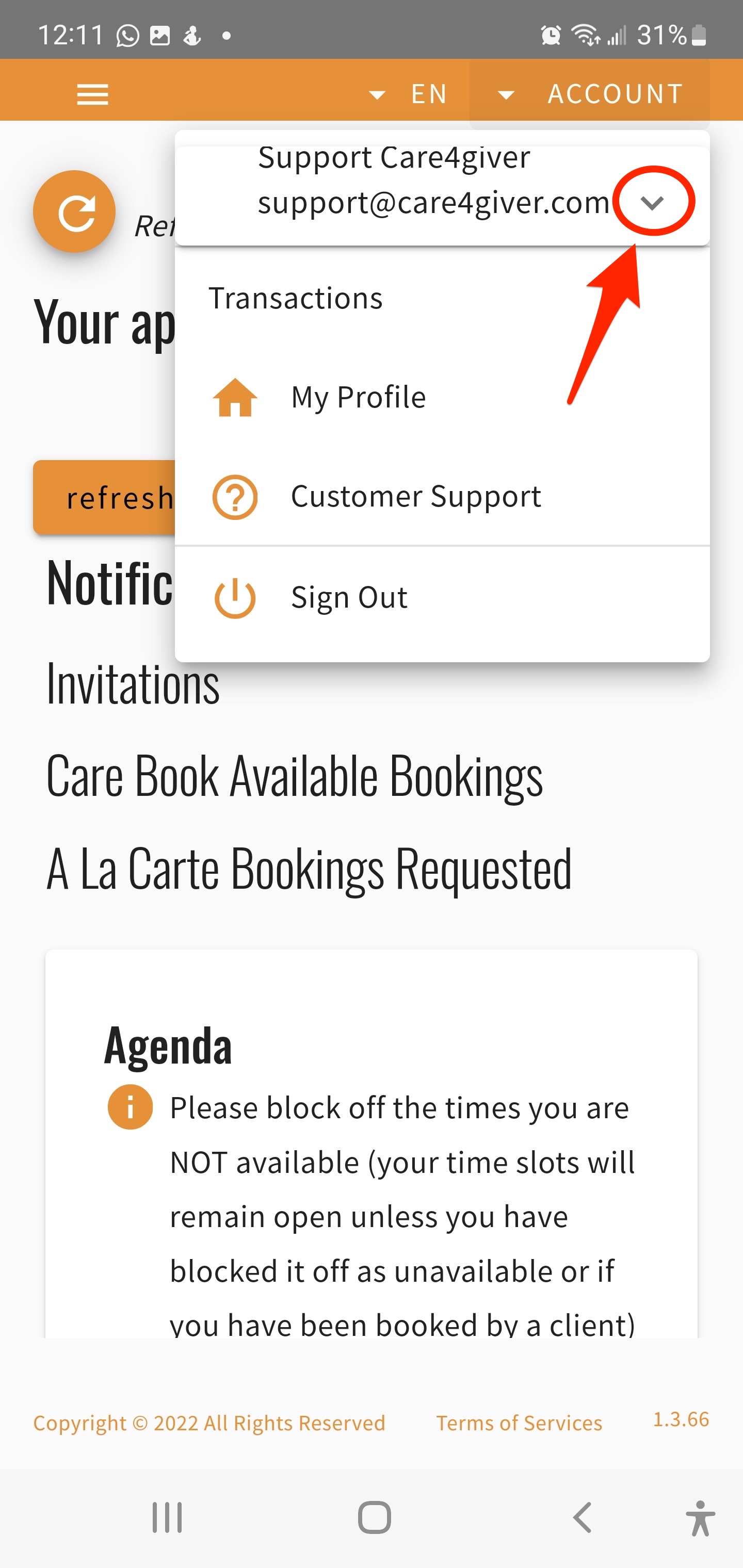
2. Click to expand the menu
It's the downward facing chevron next to your email address
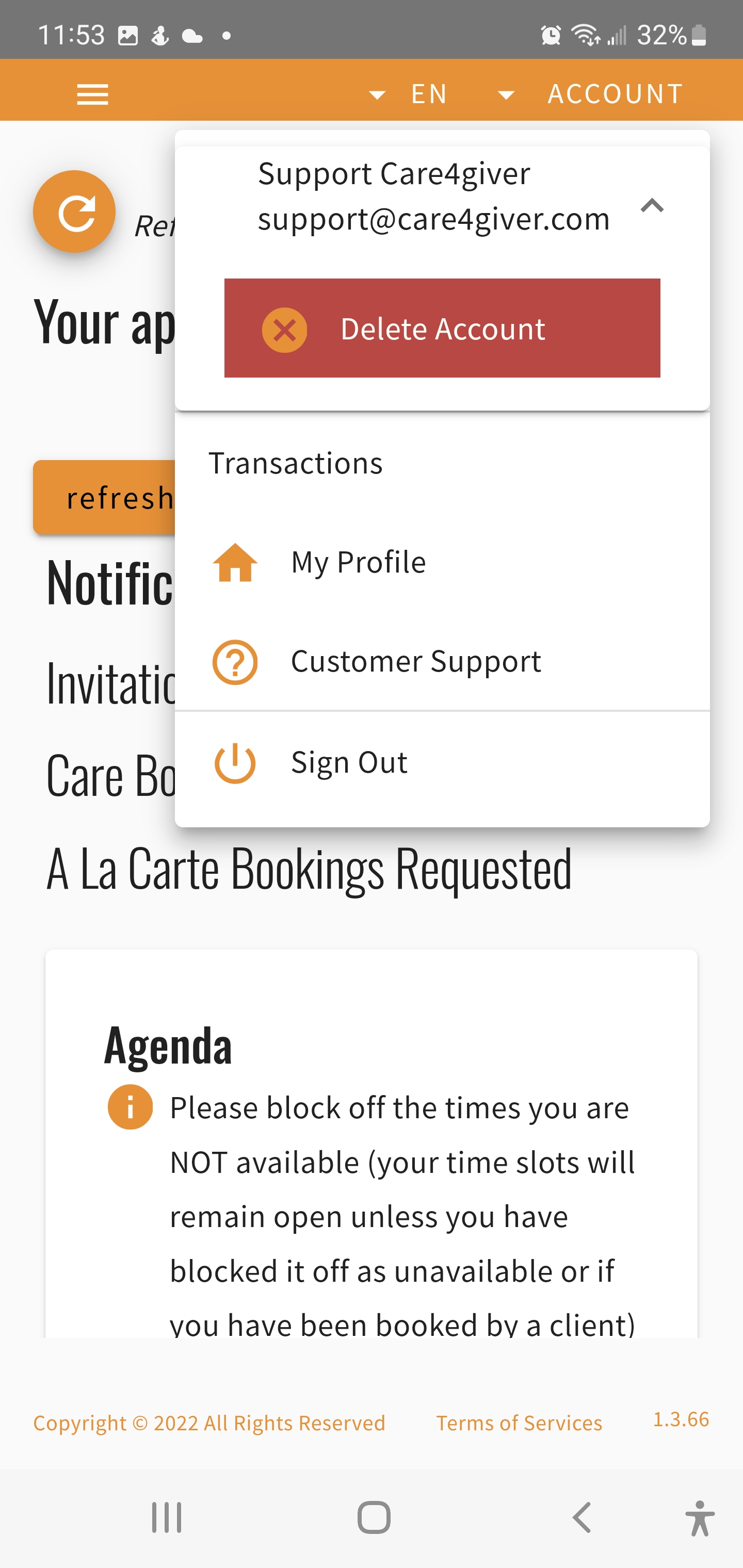
3. Click on "Delete Account"
Hit the "X" and confirm you actually want to delete at the following prompt. Note that you will not be able to revert this, your account will be gone for good along with all your data associated to it.